Step-by-Step Guide: Building a Custom PC in Bangladesh
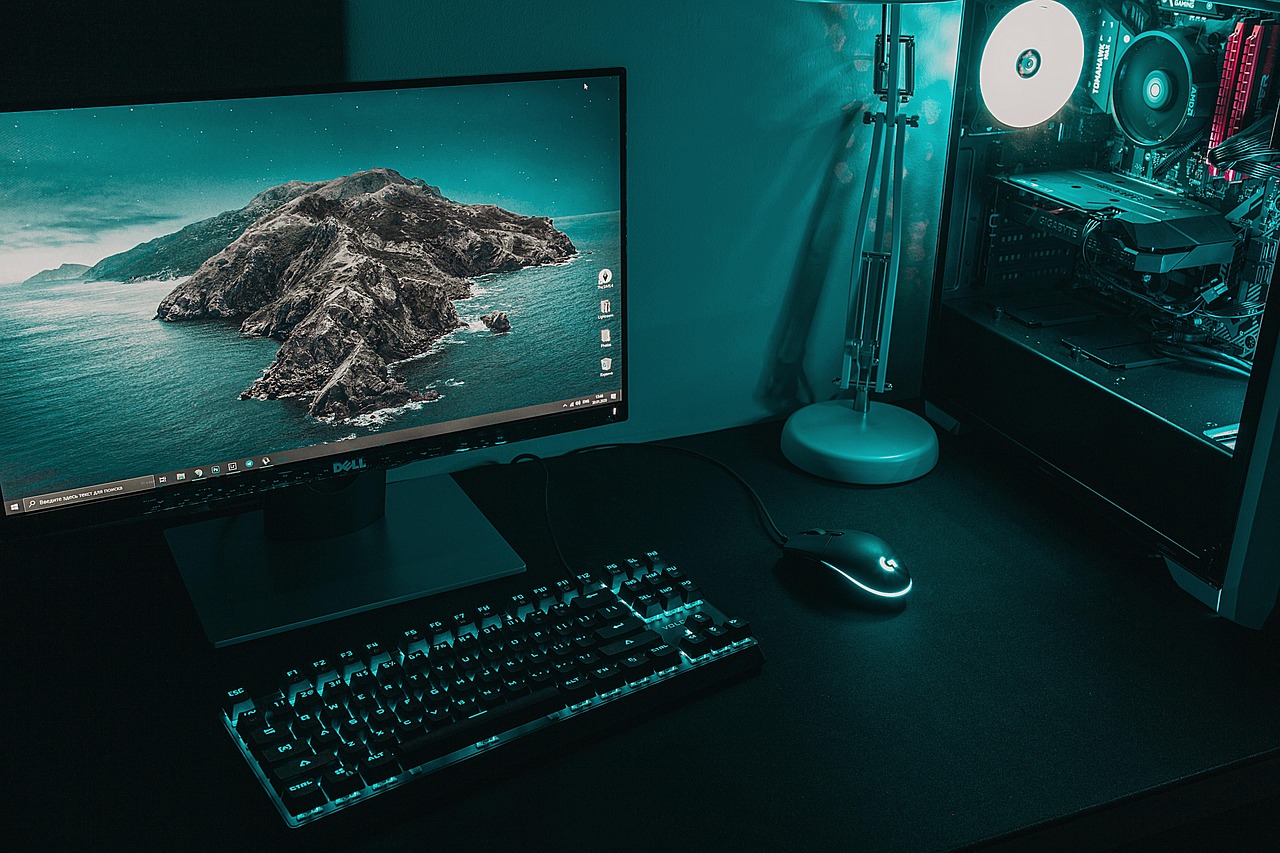
Building your own PC is one of the most rewarding experiences for tech enthusiasts, gamers, professionals, and students alike. Whether you’re aiming for a high-performance gaming rig or a reliable workstation for editing, development, or studying, this Step-by-Step Guide will walk you through everything you need to know about assembling a custom PC—specifically in the context of Bangladesh’s tech market.
With the right knowledge, quality parts, and expert support from Best Computer Hub, anyone can build a powerful, cost-effective machine tailored to their needs. Let’s dive into the Step-by-Step Guide to building your dream PC in Bangladesh.
Why Build Your Own PC?
Before we begin the Step-by-Step Guide, let’s explore why more people in Bangladesh are choosing to build custom PCs instead of buying prebuilt systems.
- Cost-Efficiency: Custom PCs often provide better performance per taka than branded prebuilt systems.
- Customization: You choose what matters—CPU speed, graphics performance, RGB aesthetics, or silent cooling.
- Upgrade Flexibility: Easily upgrade components over time without replacing the whole system.
- Hands-On Learning: Gain a deep understanding of how PCs work, which helps in troubleshooting and future builds.
For the best deals and genuine components, many PC builders in Bangladesh turn to Best Computer Hub, a trusted name for quality and customer service.
Step-by-Step Guide to Building a Custom PC in Bangladesh
Step 1: Define Your Purpose and Budget
The first step in this Step-by-Step Guide is identifying what you want the PC to do.
- Gaming: Requires a strong GPU, fast CPU, and good airflow.
- Office or Home Use: Mid-range CPU, integrated graphics, and SSD for quick boot times.
- Content Creation: High core-count CPUs, lots of RAM, fast storage, and capable GPU.
- Programming/Development: Focus on CPU and RAM, possibly virtualization features.
Once your purpose is clear, set a realistic budget in Bangladeshi Taka. Consider future-proofing by slightly stretching your budget for key components.
Step 2: Choose the Right Components
The heart of any Step-by-Step Guide to building a PC lies in choosing the right hardware. Here’s what you’ll need:
1. CPU (Processor)
Choose between AMD and Intel. For gaming, AMD Ryzen 5 or Intel Core i5 is a sweet spot. For heavy multitasking or video editing, Ryzen 7 or Intel i7 works best.
2. Motherboard
Make sure the motherboard supports your chosen CPU socket and has enough expansion slots, RAM capacity, and ports. For example:
- Intel 13th Gen → LGA 1700 socket
- AMD Ryzen 7000 → AM5 socket
Best Computer Hub stocks a wide variety of motherboards from ASUS, Gigabyte, MSI, and ASRock.
3. RAM (Memory)
For gaming or general tasks, 16GB DDR4/DDR5 is enough. For rendering or multitasking, go for 32GB or more.
4. Graphics Card (GPU)
A critical part for gamers and designers. NVIDIA RTX or AMD Radeon series cards offer solid performance. Match it with your monitor’s resolution and refresh rate.
5. Storage (SSD/HDD)
NVMe SSDs provide lightning-fast boot and load times. Use a 500GB–1TB SSD for OS and apps, plus a secondary 1TB+ HDD for storage.
6. Power Supply (PSU)
Don’t skimp here. Choose a PSU from a reputable brand with at least 80+ Bronze certification. Calculate your power requirements using online PSU calculators.
7. PC Case
Aesthetic and functional. Make sure it fits your motherboard size (ATX, Micro-ATX), has good airflow, and enough space for future upgrades.
8. Cooling System
Stock coolers work for most builds, but aftermarket air or liquid coolers offer better thermal control and less noise.
All these components are available with warranty and competitive prices at Best Computer Hub, a one-stop destination for PC builders in Bangladesh.
Step 3: Gather Your Tools
In this Step-by-Step Guide, don’t overlook the tools you’ll need:
- Philips head screwdriver
- Thermal paste (if not pre-applied)
- Anti-static wrist strap (optional but recommended)
- Zip ties or Velcro straps for cable management
Step 4: Assemble the Components
Here’s the part most people get excited about in this Step-by-Step Guide—the actual assembly!
A. Install the CPU
Carefully lift the socket lever, align the CPU (match the triangle), and gently lower it into place. Don’t apply force.
B. Install CPU Cooler
If using a stock cooler, align and secure it with the included bracket. Apply thermal paste if needed.
C. Insert RAM Sticks
Open the latches on the DIMM slots. Firmly press the RAM into place until it clicks.
D. Mount Motherboard
Secure the I/O shield first. Then, place the motherboard on the standoffs in the case and screw it in.
E. Install PSU
Insert the PSU into its designated area, usually at the bottom or top rear. Route the cables through the case’s back panel.
F. Install Storage Devices
Mount SSDs or HDDs in drive bays or M.2 slots. Connect them to the motherboard and PSU.
G. Install GPU
Insert the GPU into the PCIe slot and secure it to the case with screws. Connect PCIe power cables from PSU if needed.
H. Connect All Cables
Connect front panel cables (power, USB, audio), fan headers, SATA cables, and 24-pin and 8-pin power connectors.
I. Cable Management
Use zip ties to bundle excess cables and keep airflow paths clear. A tidy build is a cool build.
Step 5: Power Up and Install OS
Once you’ve double-checked all connections, it’s time to power on your PC. Connect it to a monitor, keyboard, and mouse.
- Enter BIOS (Del or F2 key)
- Check hardware is detected
- Boot from USB with Windows installer
- Format and install Windows
- Install drivers from manufacturer’s website
Your custom PC is now ready! This Step-by-Step Guide has taken you from planning to powering on.
Where to Buy Genuine PC Components in Bangladesh?
This Step-by-Step Guide wouldn’t be complete without recommending a reliable vendor. Best Computer Hub is one of the most trusted names in Bangladesh’s tech market, offering:
- ✅ Genuine and sealed PC parts
- ✅ All-in-one PC building consultation
- ✅ Fair pricing and product warranties
- ✅ Nationwide delivery and support
- ✅ On-demand custom PC build service
Whether you’re a DIY builder or want professionals to assemble your rig, Best Computer Hub is your ideal partner.
Tips for First-Time PC Builders
To close this Step-by-Step Guide, here are some bonus tips:
- Start Simple: Don’t go overboard on RGB or liquid cooling if it’s your first build.
- Watch Tutorials: YouTube is full of visual guides for component installation.
- Double-Check Compatibility: Use PCPartPicker or consult Best Computer Hub before buying.
- Test Before Sealing the Case: Always do a boot test before finalizing cable management.
- Keep Manuals Handy: Component manuals often contain helpful instructions.
Final Thoughts
Building your own computer may seem intimidating at first, but with a clear Step-by-Step Guide, the right parts, and a little patience, it’s a deeply satisfying project. You not only get a custom system tuned to your exact needs but also gain the confidence to upgrade and troubleshoot in the future.
As Bangladesh’s demand for powerful, flexible, and cost-efficient computing grows, more people are turning to custom PC builds. Let this Step-by-Step Guide serve as your blueprint for success—and remember that Best Computer Hub is always here to help with expert advice, quality components, and full-service builds.
Ready to build your PC? Follow this Step-by-Step Guide, gear up with the best hardware from Best Computer Hub, and create a custom machine that works just as hard as you do.