Description
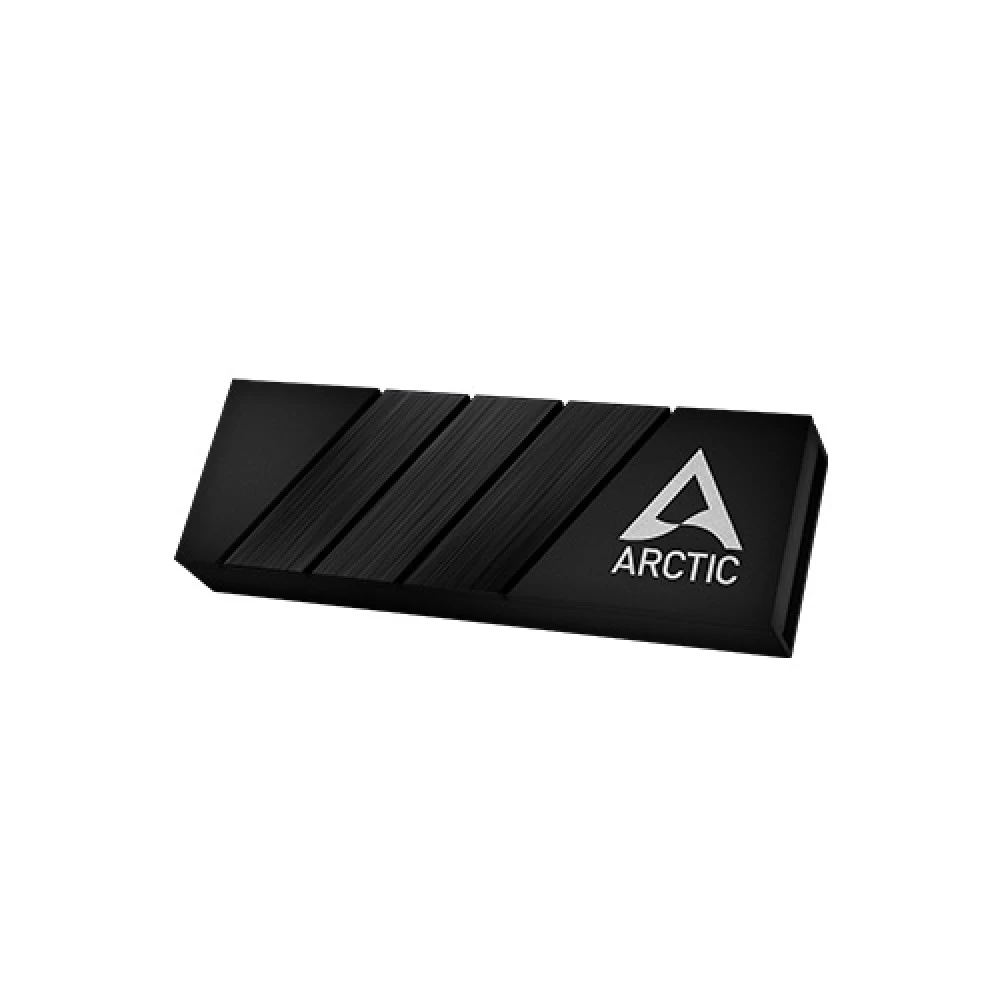
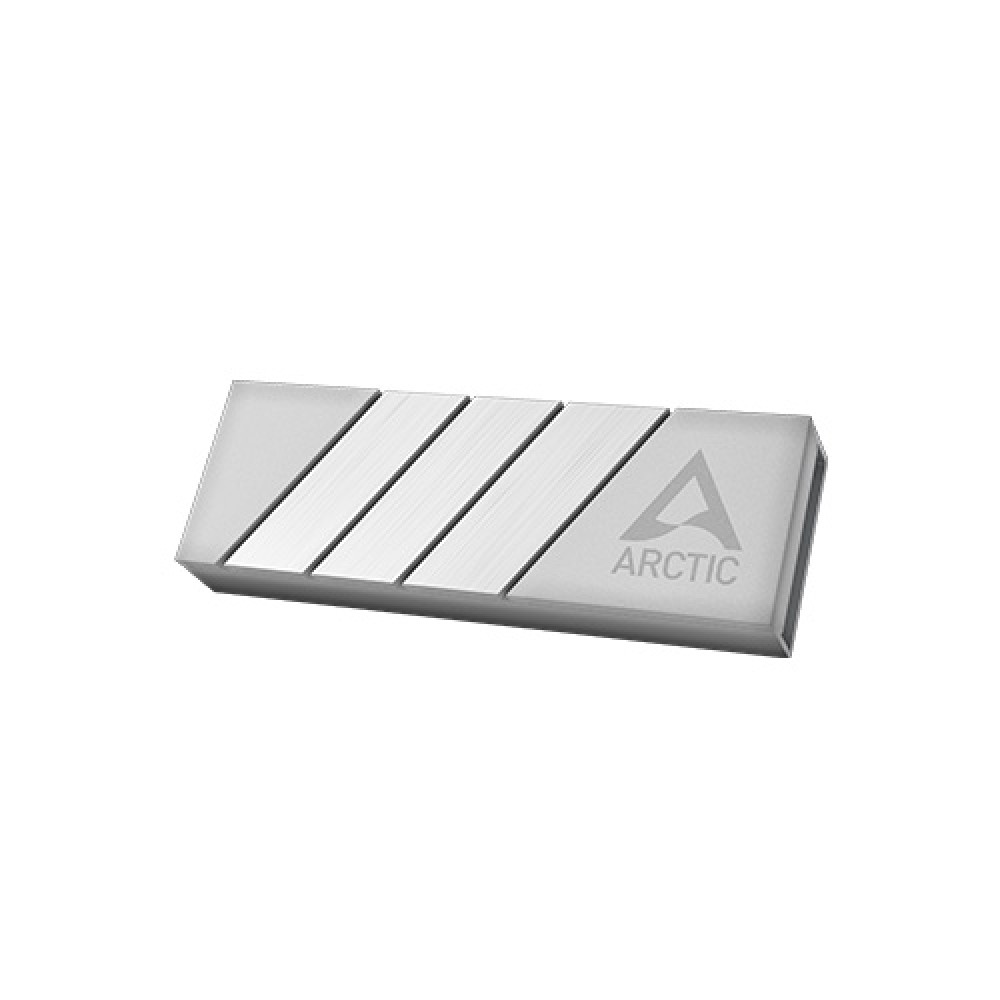
Arctic M2 Pro Aluminium M.2 Drives SSD Cooler – Available at Best Computer Hub in Bangladesh
If you’re looking for the best SSD cooling solution in Bangladesh, the Arctic M2 Pro Aluminium M.2 Drives SSD Cooler is a premium choice for both casual and professional PC users. Now available at Best Computer Hub, this high-performance cooler is engineered to enhance the performance and lifespan of your M.2 SSDs by keeping temperatures in check, even during the most demanding tasks.
In the world of high-speed computing, maintaining optimal temperatures for your storage devices is crucial. M.2 NVMe SSDs are known for their compact size and blazing-fast speeds—but with that performance comes heat. When SSDs overheat, they suffer from thermal throttling, which can dramatically reduce your system’s speed and performance. The Arctic M2 Pro SSD Cooler is designed to solve this problem effectively. It’s built from premium-grade aluminum, ensuring efficient heat dissipation and delivering reliable cooling to your SSD without the need for active fans.
Let’s dive deep into the features, advantages, specifications, and why the Arctic M2 Pro is one of the best M.2 SSD coolers in Bangladesh, now available at Best Computer Hub.
[ez-toc]
Why You Need an SSD Cooler for Your M.2 Drives
Modern computing demands speed, efficiency, and stability. Whether you are a gamer, video editor, 3D artist, software developer, or just a tech enthusiast, chances are your rig is powered by at least one M.2 NVMe SSD. These storage devices offer unparalleled speed compared to traditional HDDs or even SATA SSDs.
However, the biggest drawback of M.2 SSDs is thermal buildup. When operating under load—during large file transfers, gaming sessions, or multitasking—they tend to generate substantial heat. Prolonged high temperatures can lead to performance drops, system instability, and long-term degradation of the SSD.
This is where the Arctic M2 Pro Aluminium M.2 Drives SSD Cooler comes in. It is specifically engineered to keep your SSD temperatures low, ensuring sustained high performance and prolonging the lifespan of your valuable storage components.
Key Features of Arctic M2 Pro Aluminium SSD Cooler
Let’s take a closer look at what makes this SSD cooler an industry favorite:
1. Premium Aluminum Construction
Crafted from high-grade aluminum, the Arctic M2 Pro is built to efficiently dissipate heat. Aluminum’s excellent thermal conductivity ensures that heat is quickly and evenly transferred away from your SSD to prevent overheating.
2. Compact & Lightweight Design
Despite its solid build, the cooler remains extremely compact and lightweight. Measuring 73mm x 24.2mm x 10.5mm and weighing just 40.5 grams, it fits seamlessly into most PC builds without obstructing other components.
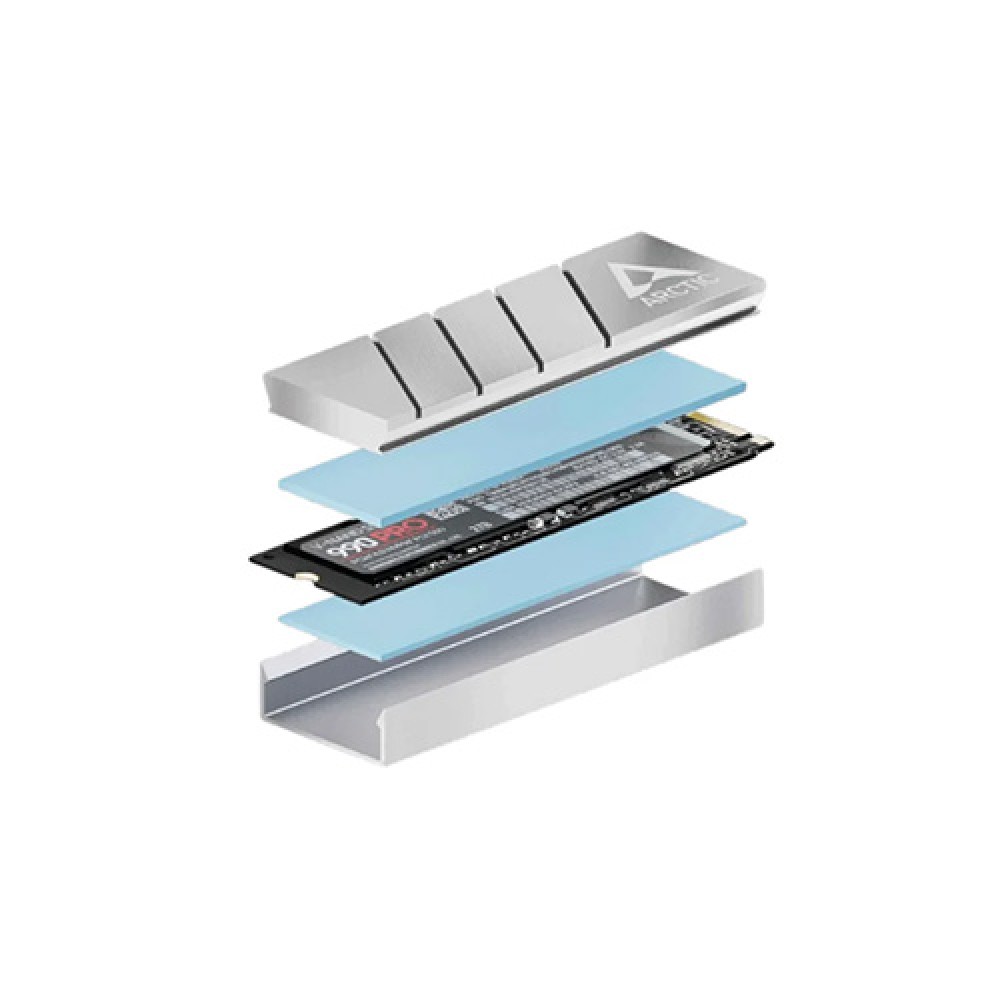
3. Dual Thermal Pads Included
The package includes two high-quality thermal pads:
- One 1.5mm thick
- One 1.0mm thick
These pads ensure maximum contact between the cooler and your SSD, improving thermal transfer and enhancing cooling efficiency.
4. Tool-Free, Hassle-Free Installation
Even if you’re new to PC building, you’ll appreciate the easy installation process. The Arctic M2 Pro does not require any special tools or advanced knowledge, making it beginner-friendly while still satisfying the expectations of expert builders.
5. Compatible with Single- and Double-Sided M.2 SSDs
This cooler is designed for universal compatibility. Whether your SSD has chips on one side or both sides, the Arctic M2 Pro can accommodate it with the included thermal pads, ensuring consistent thermal contact.
6. Enhanced Aesthetic Appeal
In addition to performance, the cooler offers a sleek, brushed-aluminum finish that adds a modern, minimalist touch to your PC setup. It’s a great way to not only protect your components but also to elevate the visual style of your rig.
7. Long-Term Warranty
With a 6-year warranty, you’re guaranteed peace of mind. The Arctic M2 Pro SSD Cooler is built to last, and its performance is backed by one of the most trusted brands in the industry.
Technical Specifications
| Specification | Details |
|---|---|
| Product Name | Arctic M2 Pro Aluminium M.2 SSD Cooler |
| Dimensions | 73 x 24.2 x 10.5 mm |
| Weight | 40.5 grams |
| Material | Premium Aluminum |
| Thermal Pads | 1.5mm & 1.0mm thick pads |
| Compatibility | Single- & Double-Sided M.2 SSDs (2280 form) |
| Installation | Tool-Free |
| Warranty | 6 Years |
| Availability | In Stock at Best Computer Hub, Bangladesh |
Advantages of Buying from Best Computer
When you purchase the Arctic M2 Pro SSD Cooler from Best Computer, you’re not only investing in top-tier hardware but also in exceptional customer service and support.
✔ Authentic Products with Warranty
Best Computer Hub offers 100% genuine products with manufacturer-backed warranties, ensuring you get the best value for your money.
✔ Competitive Prices in Bangladesh
With some of the most affordable prices in the local market, Best Computer Hub guarantees great deals on all computing components.
✔ Fast Delivery & Customer Support
Enjoy nationwide delivery, secure transactions, and responsive customer support—whether you’re shopping online or visiting a physical store.
Use Cases: Who Should Use the Arctic M2 Pro SSD Cooler?
This SSD cooler is an ideal companion for:
- Gamers who frequently load large game files and want to avoid stuttering or lag.
- Video editors working with 4K or 8K footage.
- Content creators with demanding workloads that cause SSDs to overheat.
- Software developers handling large databases or local servers.
- PC enthusiasts who want optimal thermal performance in their builds.
How the Arctic M2 Pro Boosts SSD Performance
The Arctic M2 Pro’s efficient heat dissipation prevents your SSD from reaching high temperatures that trigger thermal throttling. This allows your SSD to sustain peak performance for longer durations, particularly during data-intensive tasks like:
- File transfers
- Software compilation
- Game loading
- System booting
- Data caching
By ensuring your drive operates in a cooler environment, you not only maintain speed but also reduce the risk of data corruption, drive failure, or early component degradation.
Installation Guide for Arctic M2 Pro
- Turn off and unplug your system.
- Remove the side panel and locate your M.2 SSD.
- Gently remove the SSD if already installed.
- Peel off the thermal pad protector and place it onto the SSD.
- Attach the aluminum cooler onto the SSD, ensuring even pressure.
- Reinstall the SSD into its M.2 slot.
- Secure everything and power your PC back on.
The entire process takes less than 10 minutes and doesn’t require any additional tools.
Customer Reviews and Feedback
Users who’ve purchased the Arctic M2 Pro from Best Computer Hub consistently praise the product for its cooling efficiency, build quality, and ease of installation. Many have reported temperature drops of up to 15–20°C, especially during prolonged data-intensive operations.
A Must-Have for High-Performance Builds
If you want to maximize your SSD’s potential, reduce heat, and extend its lifespan, the Arctic M2 Pro Aluminium M.2 Drives SSD Cooler is an essential component. It’s not just a luxury add-on; it’s a smart investment for any PC build.
Available now at Best Computer Hub, the Arctic M2 Pro is your go-to solution for professional-grade SSD cooling in Bangladesh. Don’t compromise your system’s performance—opt for a trusted brand and reliable cooling that delivers.
Order Now from Best Computer Hub
Experience the benefits of high-performance storage without compromise. Buy the Arctic M2 Pro SSD Cooler today from Best Computer Hub and enjoy:
- Fast shipping
- Original products with warranty
- Trusted customer service
Visit our website or store and give your SSD the cooling solution it deserves.